November 2025 – May 2026 · resuming soon
D.E.D.A.L
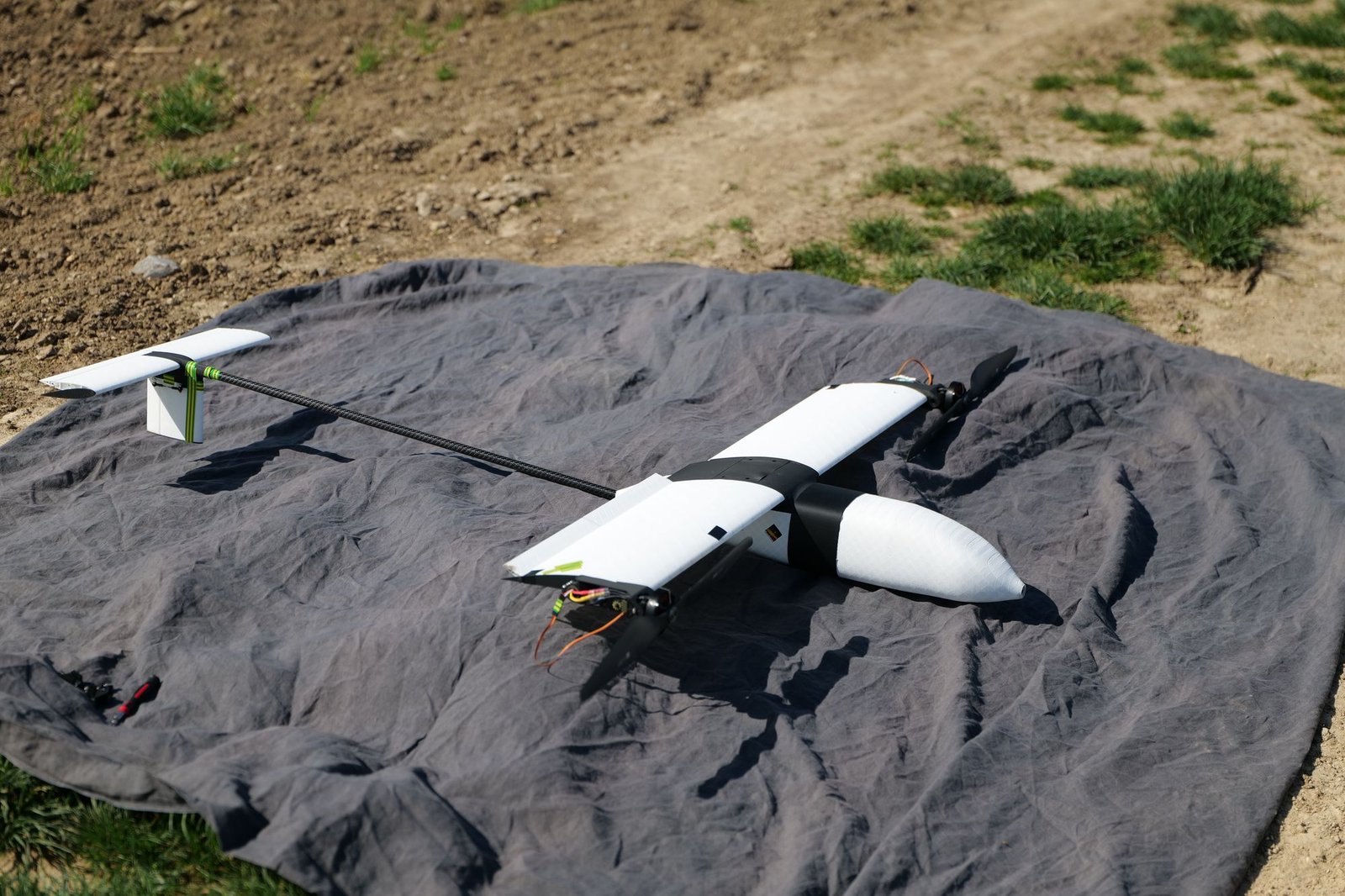
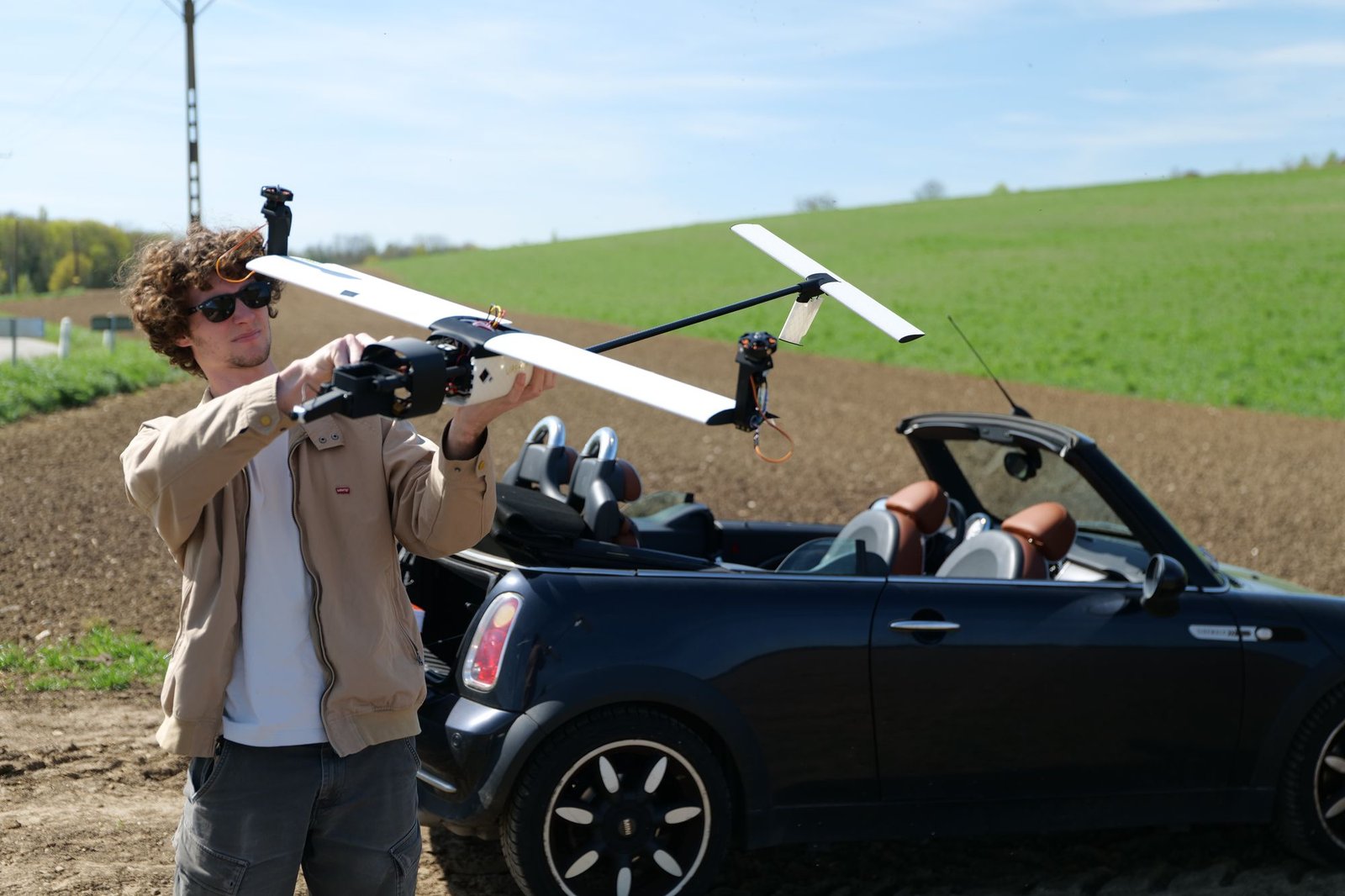
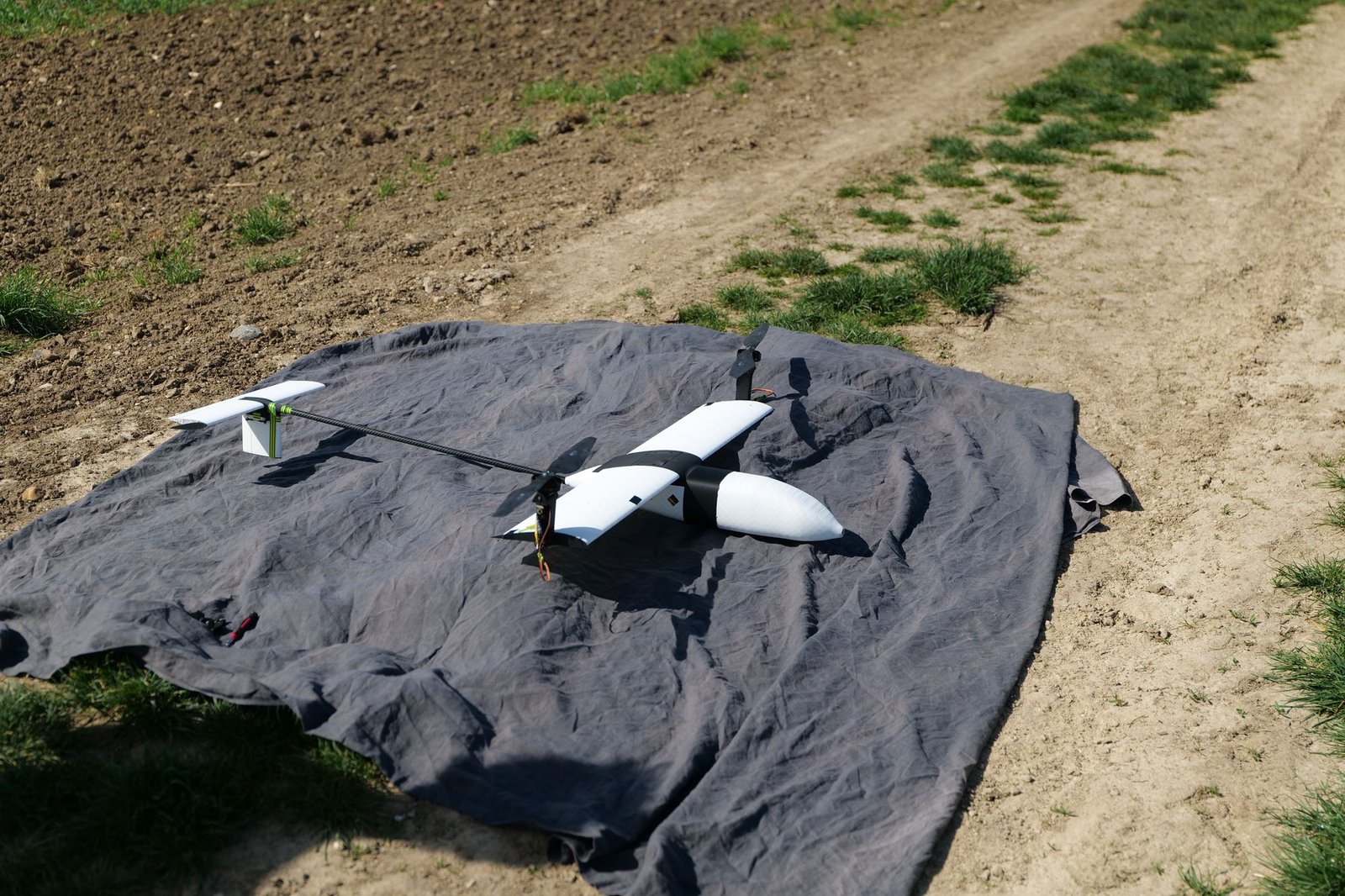
An experimental drone (the name is French for “experimental drone with localised take-off and landing”). It takes off and lands vertically like a helicopter, then tilts its motors forward to fly like an airplane.
- Flying mass
- About 2.4 kg
- Motors
- 2 × T-Motor MN5008, 18″ props
- Battery
- 6S Li-ion, 4.5 Ah
- Maximum thrust
- About 3.5 times its weight
Two ways to fly
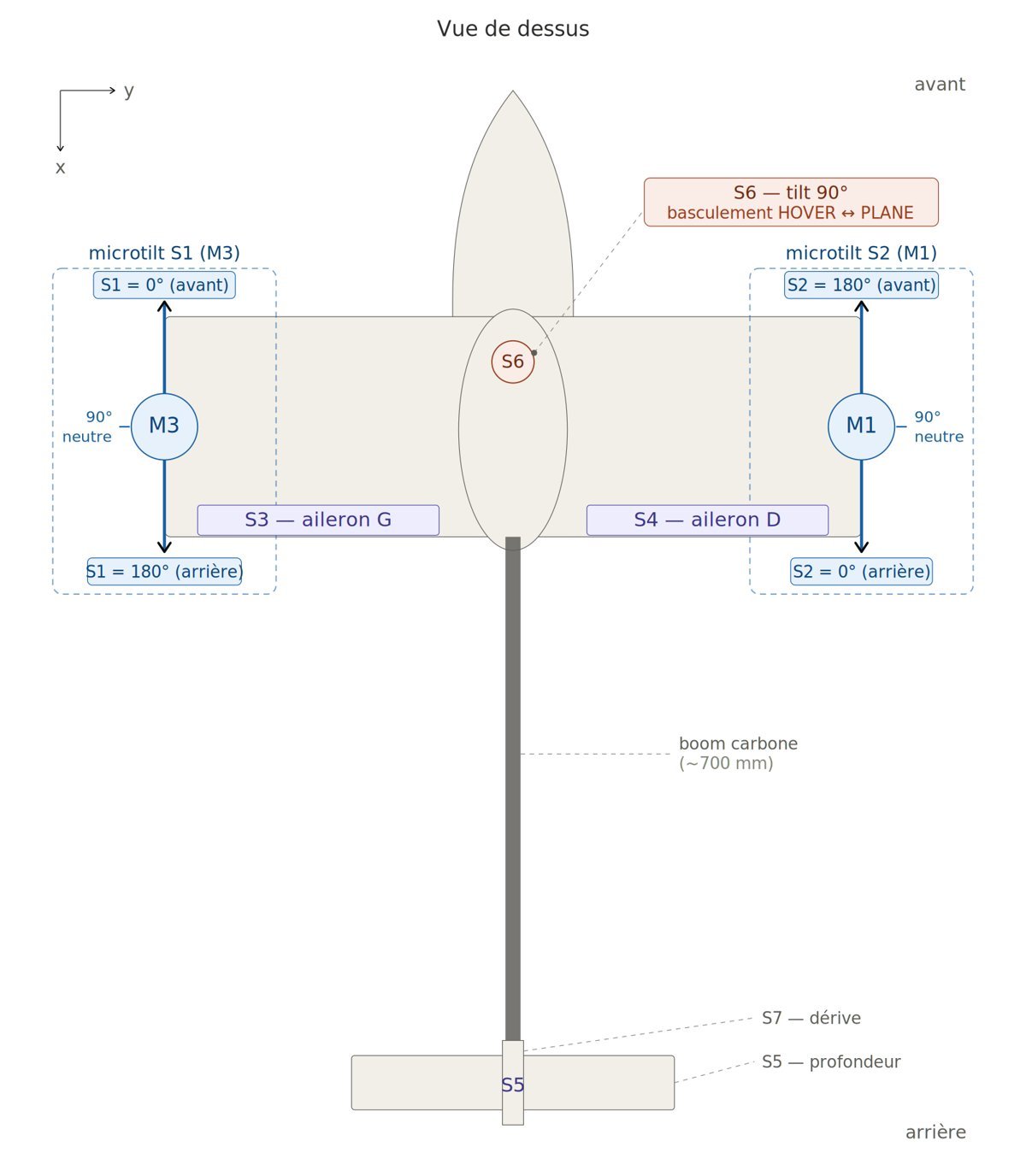
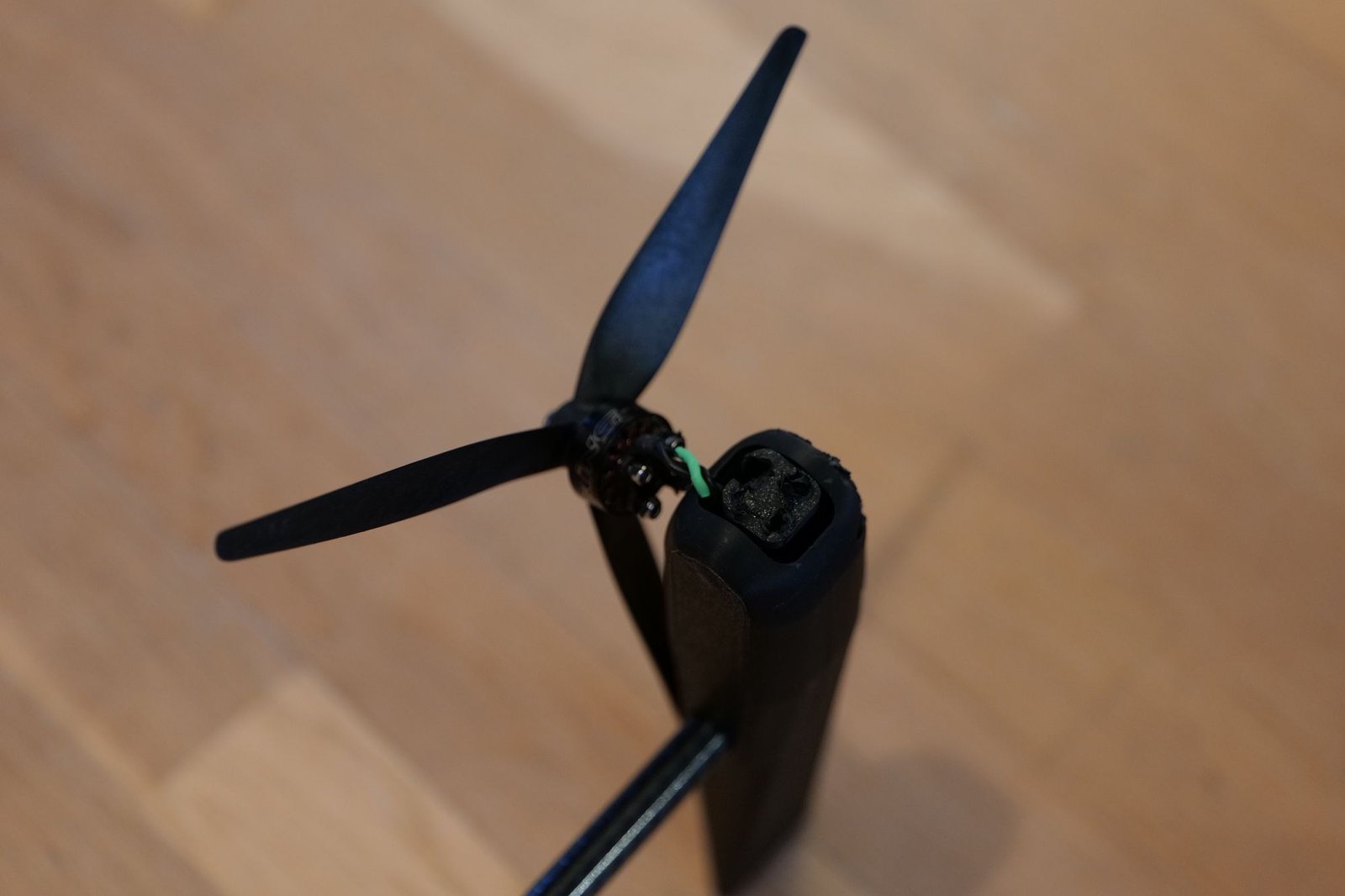
The two motors sit at the wing tips. In hover they pull upwards and the drone hangs in the air like a helicopter; each motor tilts a few degrees on its own to steer.
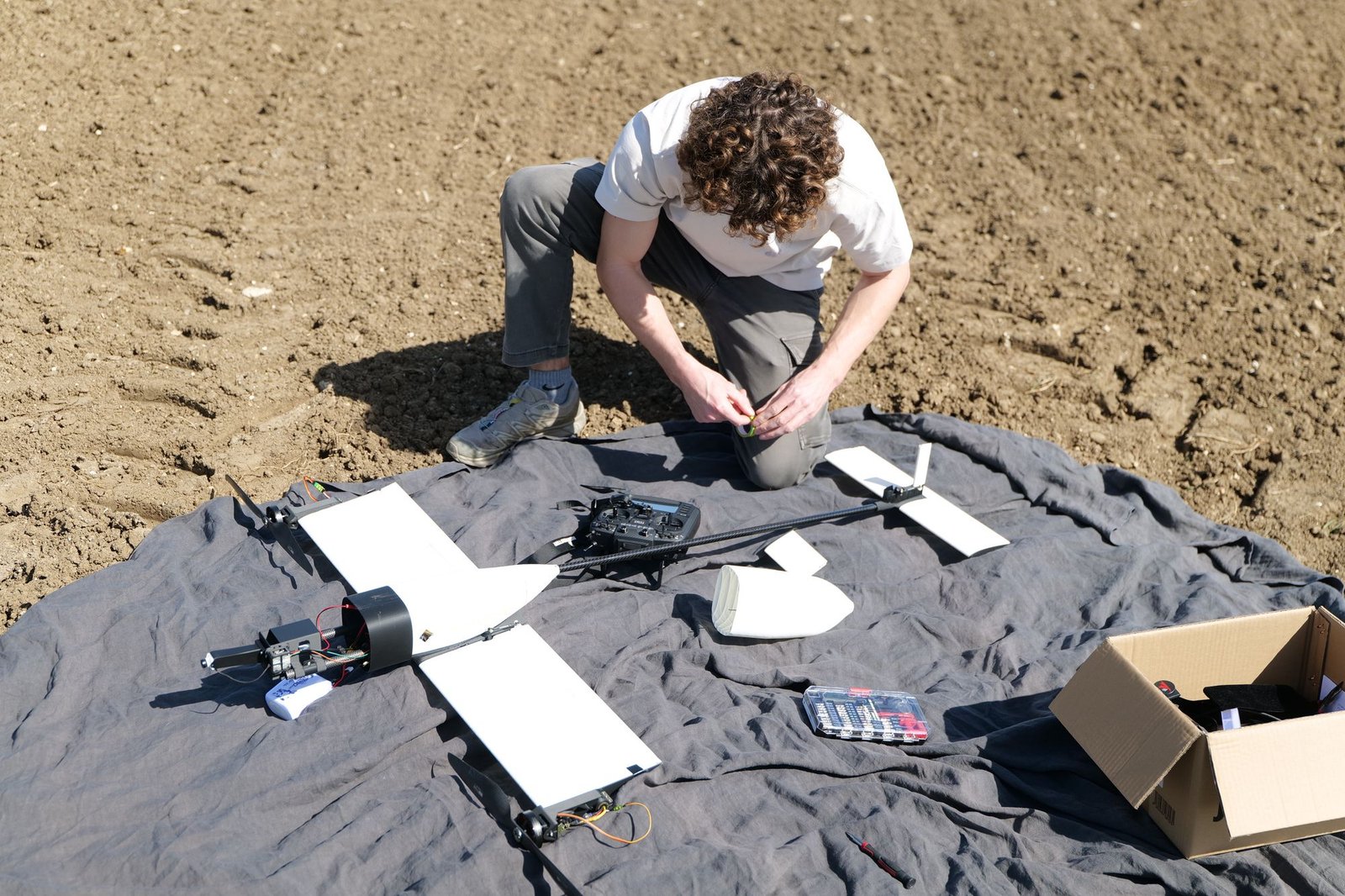
A central servo then tilts both motors through 90°: they pull forwards, the wing carries the drone, and it flies like an airplane with its ailerons, elevator and fin, at the end of a carbon boom about 70 cm long.
Design and build
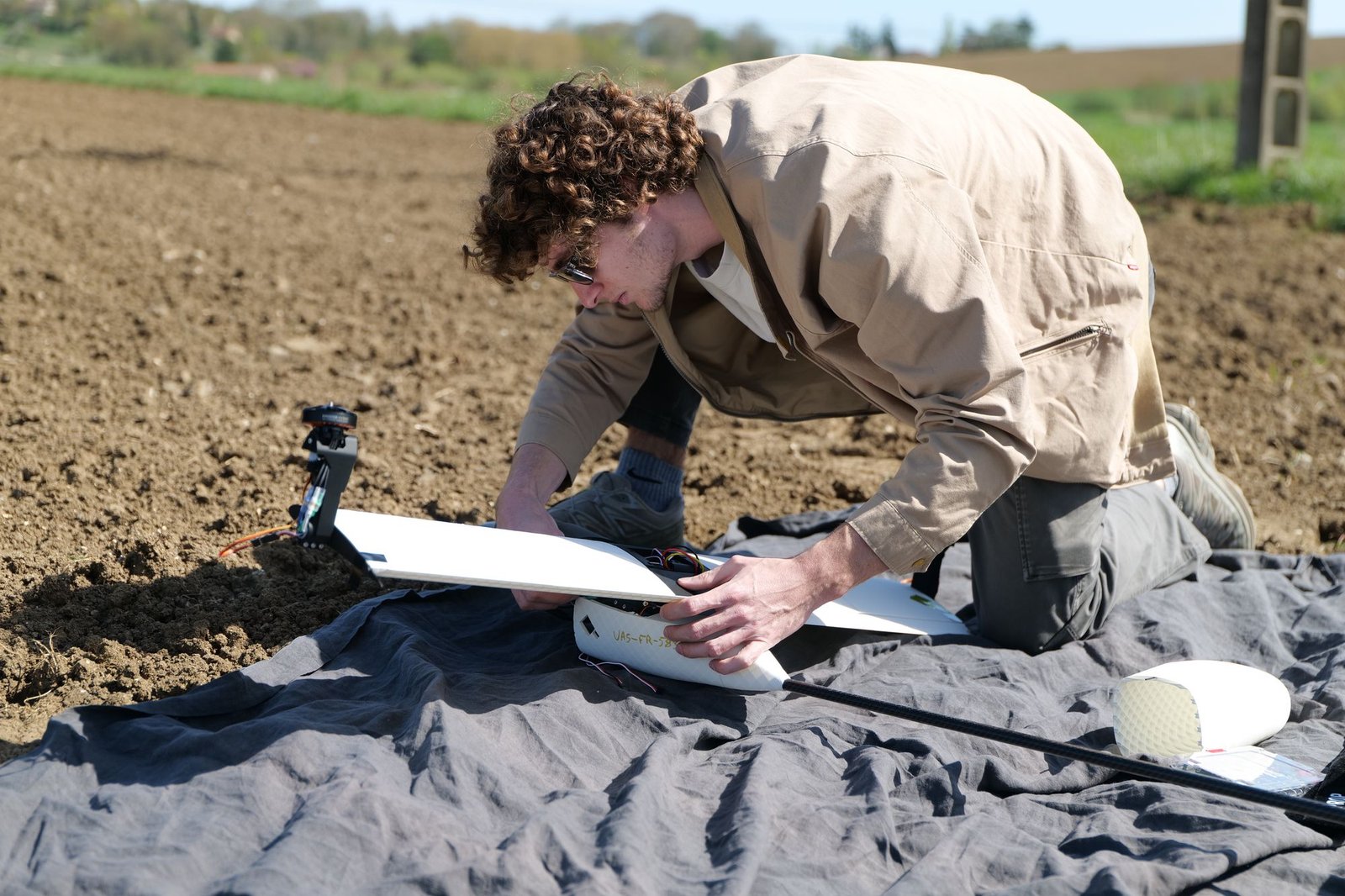
The structure is 3D printed: fuselage, wing, motor mounts and tilt mechanism. The wing was studied in XFLR5 and in numerical simulation, and the motor and propeller were chosen from the maker’s measured curves: in hover, each motor runs at about 45 % throttle.
The brain is a Teensy board running dRehmFlight, an open-source VTOL flight controller adapted for this drone: control laws for both modes, logging of all flight data to an SD card, and live telemetry to the radio.
Flight tests
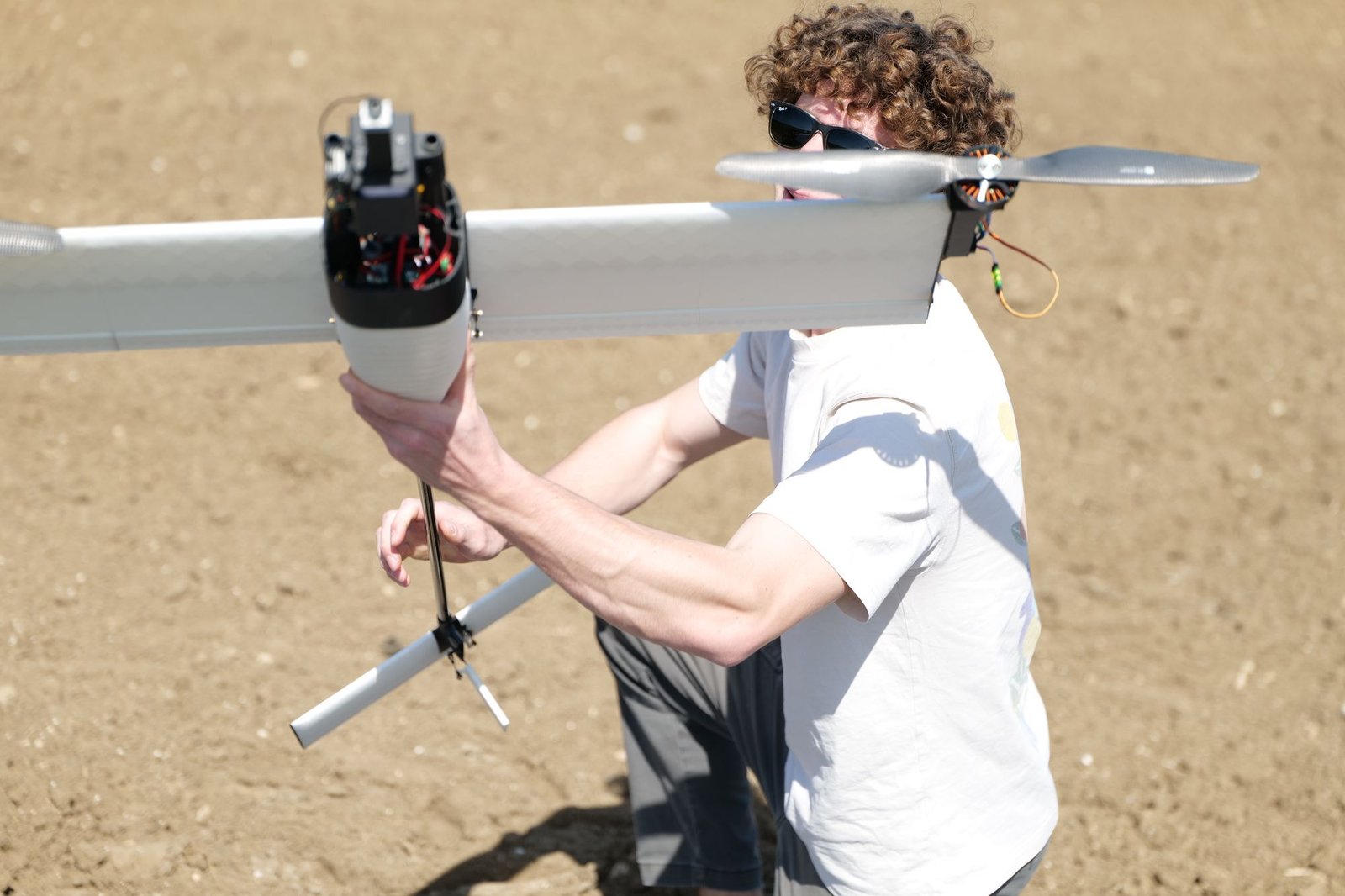
Testing started with hovering, first indoors, then outside, in a field and at a model flying club. Every flight is logged to be analysed and replayed.
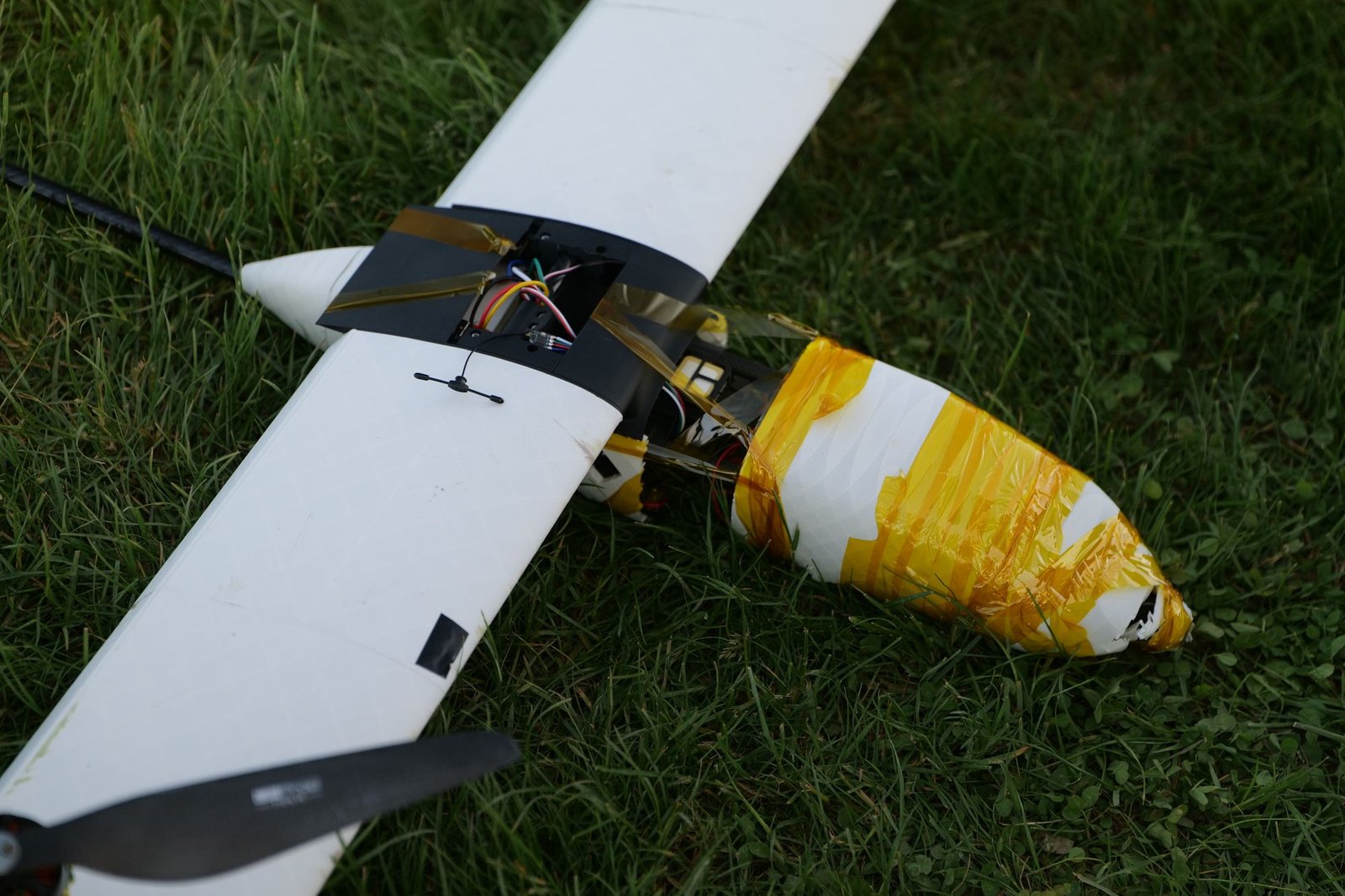
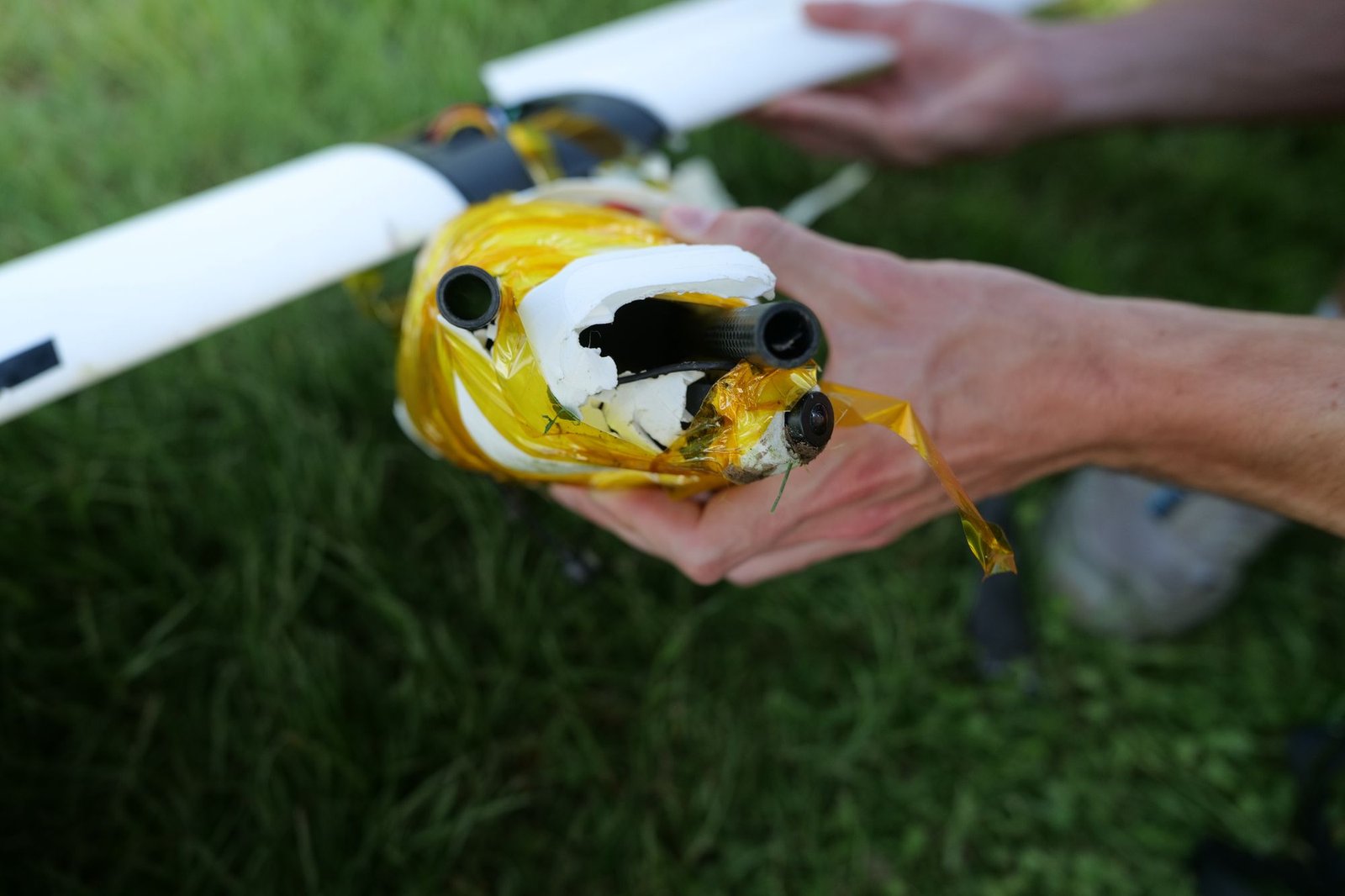
The transition, from hover to airplane flight, is the trickiest part. It does not always work the first time.
The steps
The flight controller
Adapting dRehmFlight to the tilting twin-rotor layout.
First hovers
First in a corridor, then outside, with the first motors.
New motors
T-Motor MN5008 motors and 18-inch propellers.
The complete aircraft
Wing, boom and tail fitted; hunting down vibrations and logging flights to the SD card.
Flying in the field and at the club
Outdoor flights, fifteen minutes of hover in the rain, first flights at the model club, and DEDAL Studio to analyse each flight.
The first transition
Flights in the wind, controller tuning, then the first switch to airplane flight.
DEDAL Studio
The drone’s software workshop. Every flight logged on the SD card becomes a session that can be replayed, measured, compared and turned into a video annotated with its own data.
- Flights logged in spring 2026
- 12
- Flight time logged
- Nearly an hour
- Measurements per second
- About 500
- Data points
- 2.5 million
Replay every flight
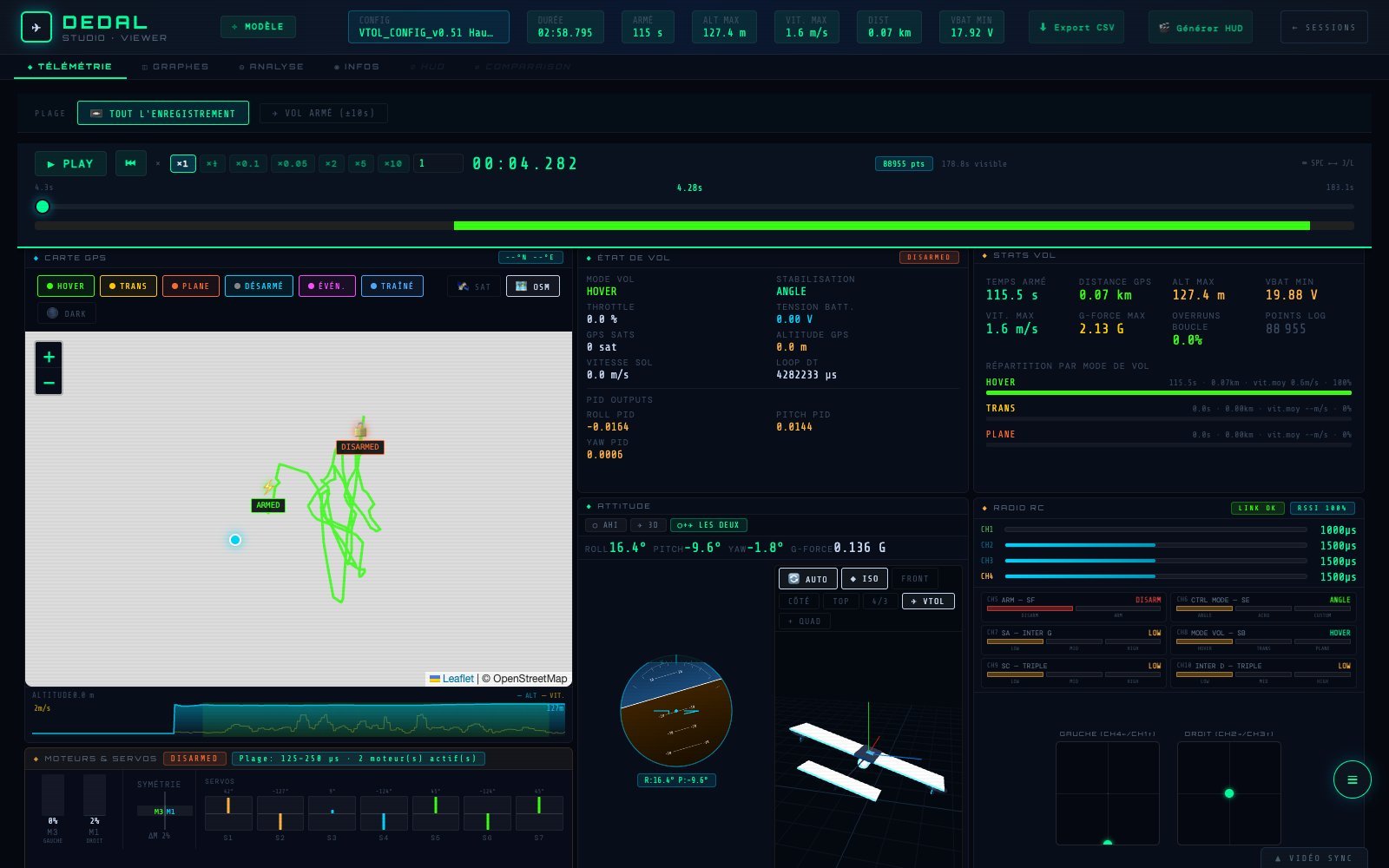
A flight plays back like a video, in slow motion or sped up. Everything follows the same cursor: the GPS track, coloured by flight mode (hover, transition, airplane), the artificial horizon and the drone’s 3D model, the radio channels, and the command of every motor and servo.
Alongside, the flight’s figures: armed time, maximum altitude and speed, load factor, minimum battery voltage, and the time spent in each mode.
Every signal, side by side
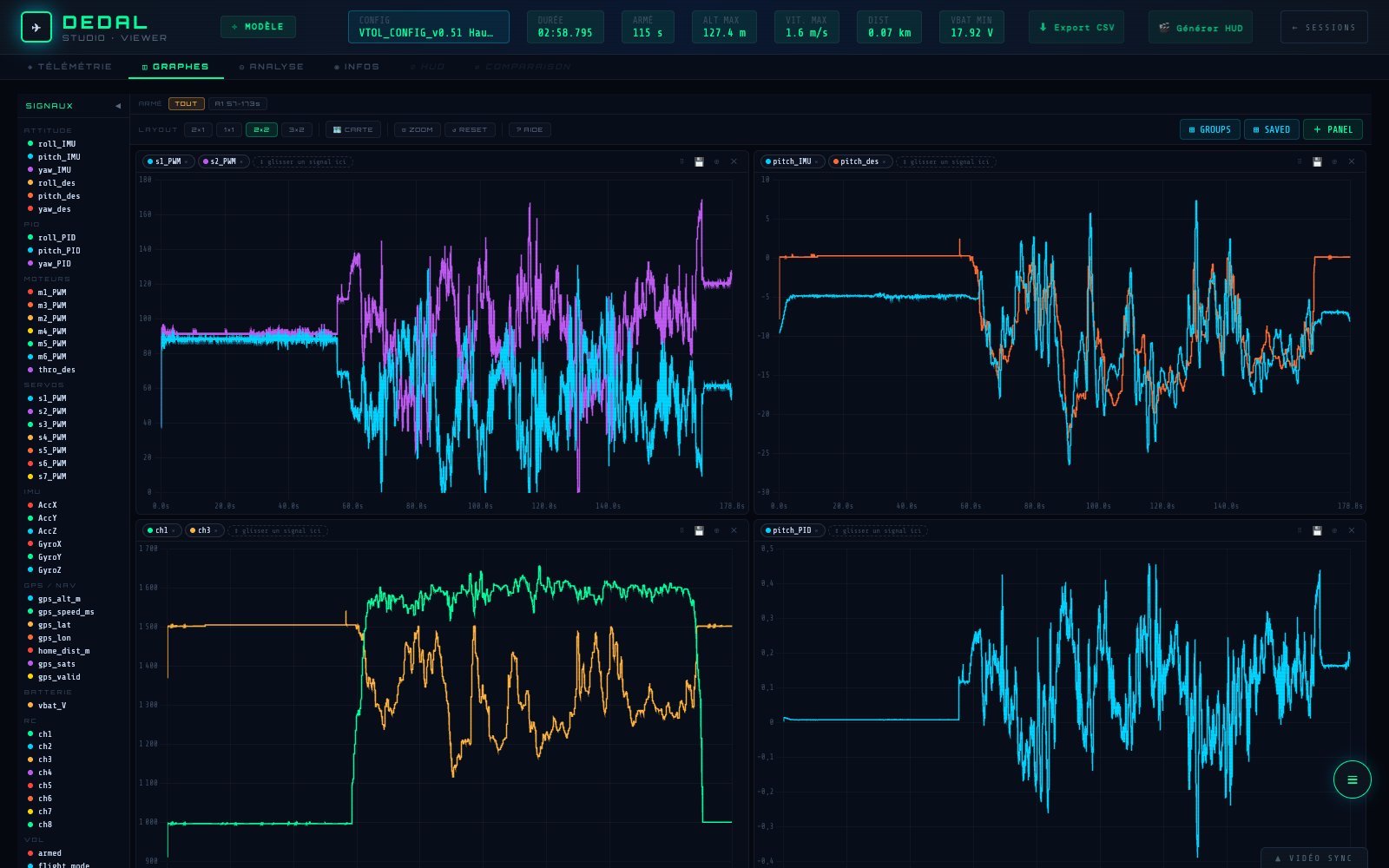
Dozens of logged signals: measured attitude and setpoints, controller outputs, motors, servos, inertial unit, GPS, battery, radio channels. Drag them into panels to compare them, zoom into a single second of flight, and save the layout to run the same analysis on the next flight.
Above, pitch tuning: the two motor tilt servos, the drone’s attitude against its setpoint, the radio sticks and the controller’s response.
An analysis tab also sums up each flight: energy used and battery behaviour, controllers, vibrations, trajectory and motors.
Videos annotated with their data
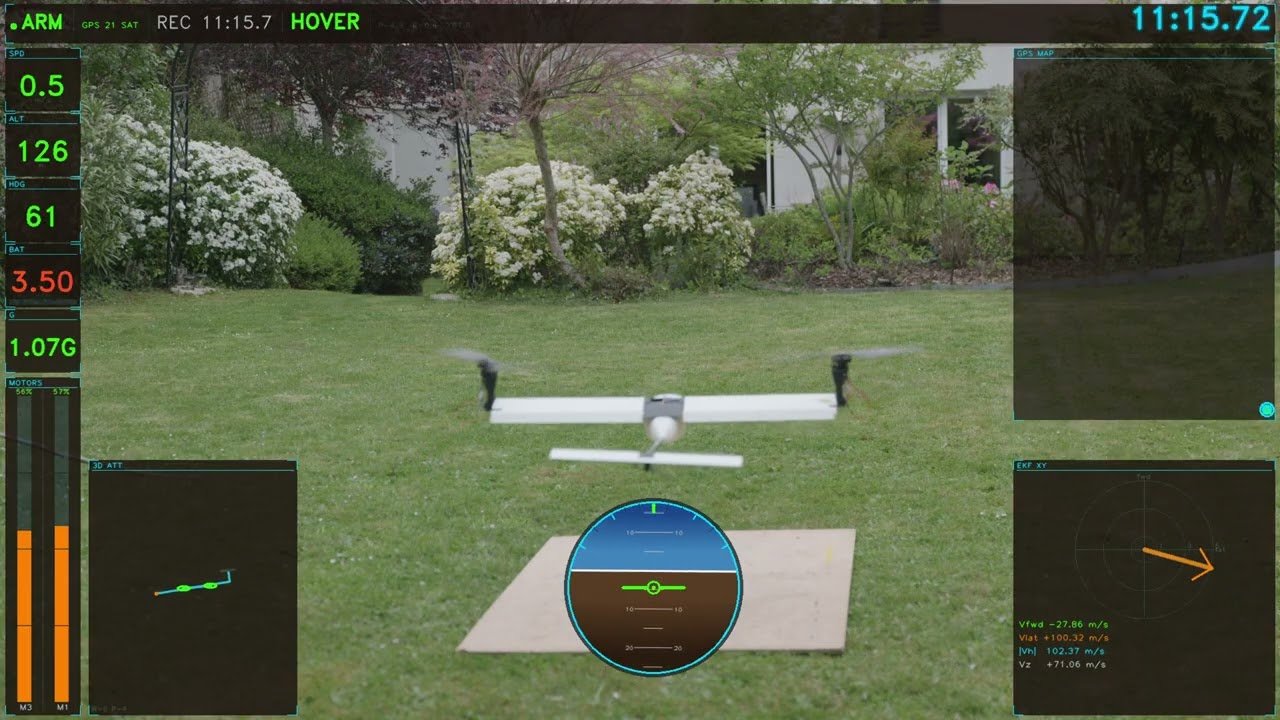
DEDAL Studio draws a telemetry overlay frame by frame (flight mode, altitude, speed, battery, horizon, trajectory) to lay over the flight footage. The video and the log are lined up with two cursors.
Example: fifteen minutes of hover in light rain.
Live telemetry
Plugged in over USB, the radio passes on to the Mac the telemetry the drone sends it in flight: DEDAL Studio shows it live during tests.
The app is written in Python and JavaScript and opens like a Mac app. It grew test by test alongside the drone: every problem met in flight became a new tool to understand it.
Also in Perdix
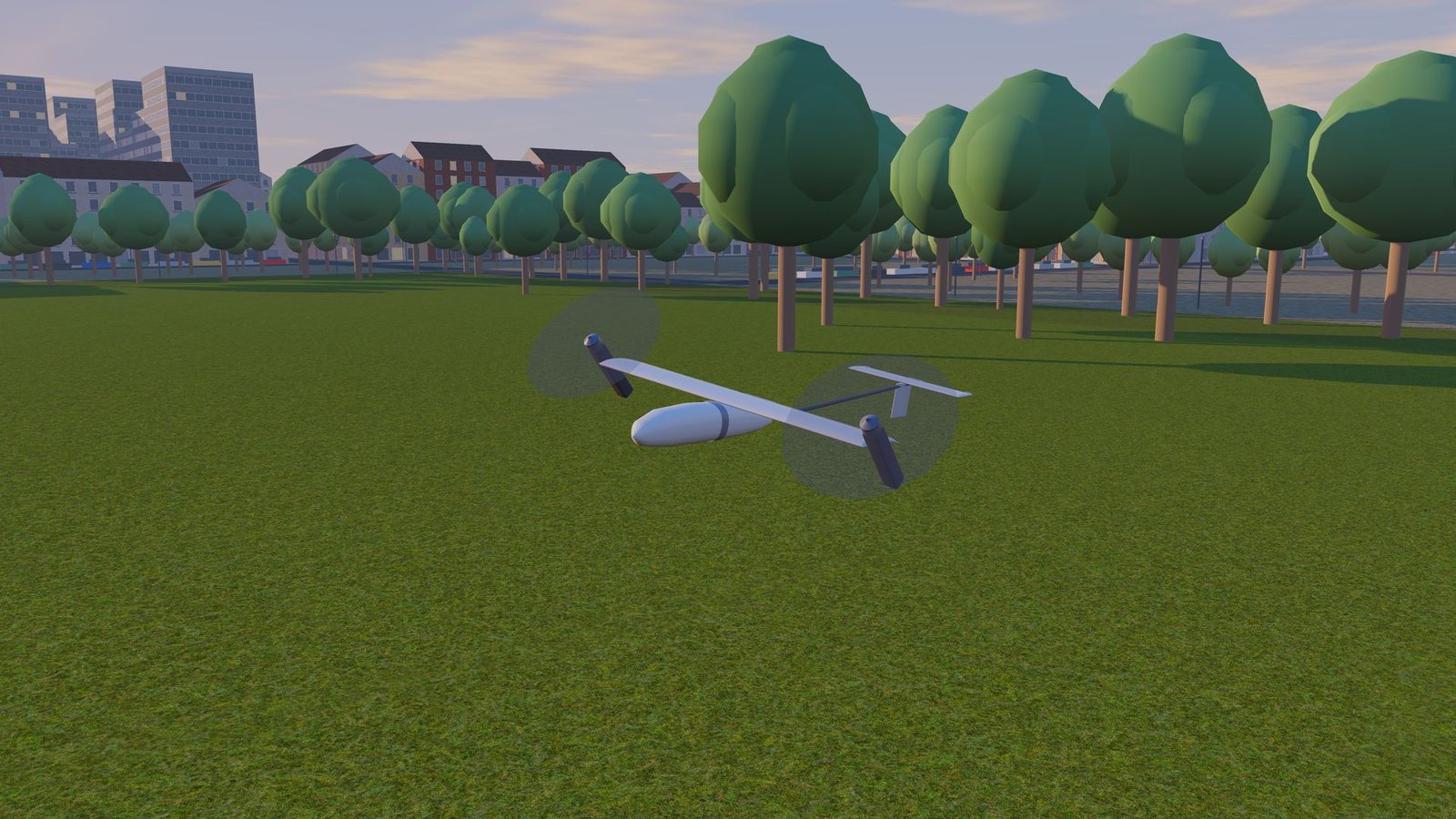
D.E.D.A.L also flies in the Perdix simulator, built from its CAD and flown by a model of its flight controller: a way to practise the transition without breaking anything.
Discover Perdix